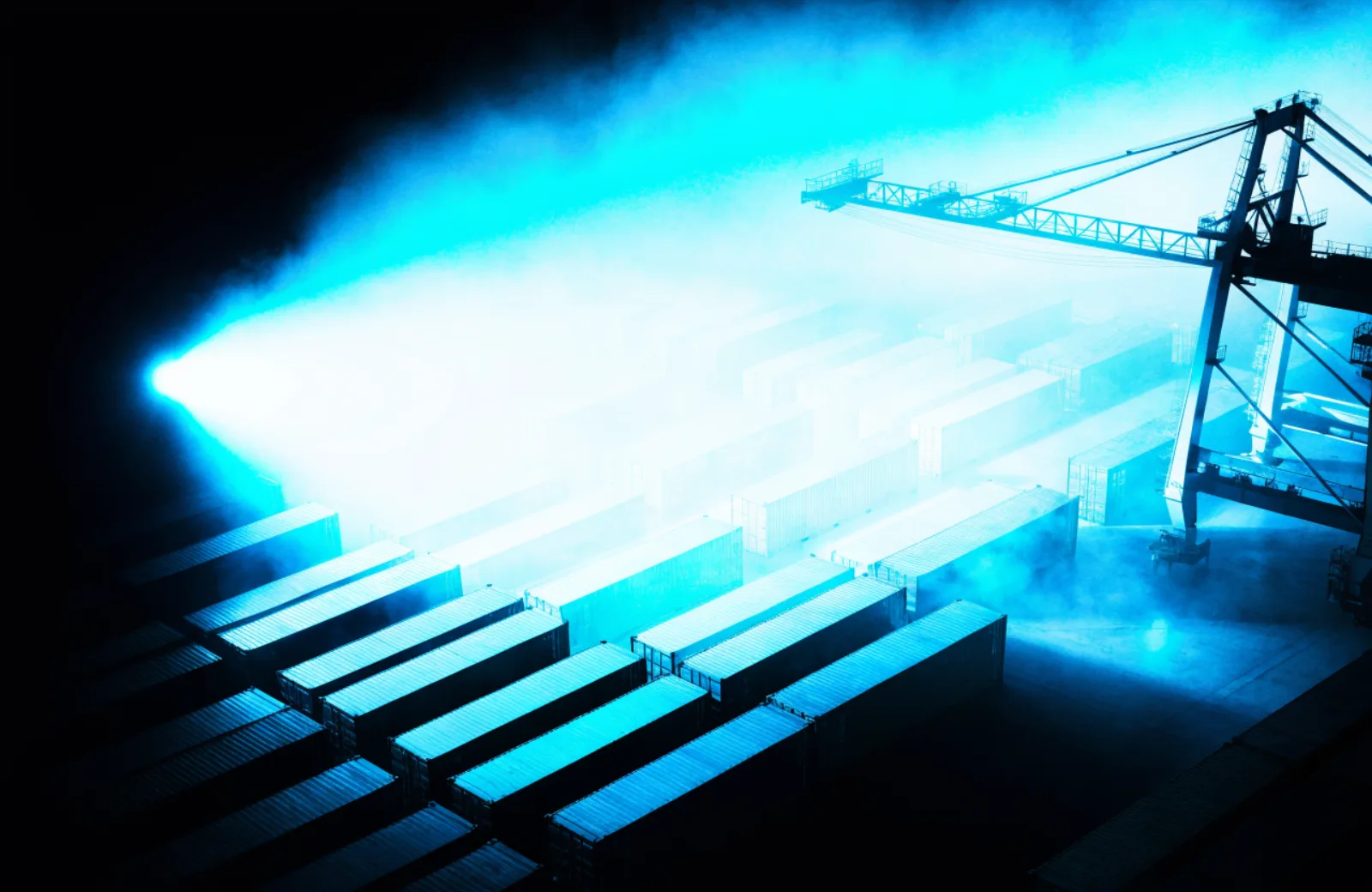
FarwatchCalm at 3 a.m.Every overnight signal on one screen, and a clear path from alert to human.Request accessfleet-eu · 214 signals · nominal (sample)alert → ack → human · 38s (sample)on-call · 6 people, 2 rotations
Demo brand · an incident-response platform for overnight logistics teams

ApplicationTier: Premium

Control Room

An ops-platform direction that feels like mission control: dense with truth, calm under pressure.

Feeling
Everything important is on one screen, and nothing on it is decoration.
Composition
The room at a glance → live signals that matter → how alerts flow → who's on call → request-access action.
Motion
Status dots breathe at heartbeat pace, one beam traces the alert path, and charts draw once from real data.
Guardrail
Every number on screen must be real or clearly labeled sample data — no decorative dashboards.
Best for
Ops platform · Monitoring tool · Logistics system · Security product
Tier
Premium tier. This direction has a hand-built Builder template, so Builder renders its own composition, and it carries an extended build spec: section-by-section requirements, a type scale, an alternate palette and a motion spec.

Capability sources

  • magicui
  • magicui
  • launch-ui

The prompt works in any AI tool. Build this in Irie hands this direction’s agreement to Builder through a short-lived link, and Builder shows you what it imported before it generates. If that link cannot be created, Builder still opens with the prompt on your clipboard. The agreement is a structured irie.direction.v1 file you can also keep or feed to any tool that reads it.

Premium build spec

What premium means here.

Control Room has a hand-built Builder template, so Builder renders this composition instead of the shared generic one. It also carries the build spec below, which travels inside the downloadable agreement.

  1. The room at a glance

    One promise line plus a restrained signal panel: four to six tiles, each a labelled metric with its unit and a timestamp, marked as sample data wherever it is sample data.

    Most often goes wrongA screenshot-shaped illustration full of numbers that mean nothing — the decorative dashboard this direction exists to refuse.

  2. Live signals that matter

    The three or four signals the product actually watches, each with what it measures, the threshold, and what crossing it triggers.

    Most often goes wrongVanity metrics presented without their measurement window, which cannot be checked and therefore cannot be trusted.

  3. How alerts flow

    The path from detection to a human, drawn once: source, rule, channel, acknowledgement — with the real timings on each leg.

    Most often goes wrongThe beam animates but the stages are unlabelled, so the diagram is decoration wearing a diagram's clothes.

  4. Who's on call

    The on-call model stated honestly: rotation, escalation, hours covered, and what actually happens at 3am.

    Most often goes wrong“24/7 support” with no rota, no escalation path, and no response target.

  5. Request-access action

    One control, what the requester receives — a sandbox, a call, a trial — and how long approval takes.

    Most often goes wrongA demo form that asks eleven qualifying questions before showing anything at all.

Type scale

Display
36-56px at medium weight, line-height 1.15. Restraint is the argument here: a poster-scale headline on an operations tool undermines the claim of calm before the panel is even read.
Body
16px at line-height 1.6. Density is welcome, but density plus 14px body is how an ops page becomes unreadable at a glance.
Meta
13px mono with tabular figures for every number, unit, timestamp, and axis label. Units are always shown, never assumed — an unlabelled number is a defect in this direction.

Alternate palette — Amber console

  • Canvas#0B0C0A
  • Ink#E9E7DF
  • Signal#FFB020

Use when the product monitors physical plant rather than software. Cyan reads as network and cloud; amber reads as machinery, and it leaves red free to mean an actual fault beside it.

Motion spec

Trigger
Status dots start on load and run continuously. The alert beam fires once when the flow diagram is 50% visible. Charts draw once on first view.
Property
Dots: opacity 0.45 to 1, with no scale — a dot that grows changes the panel's rhythm and reads as an alarm. Beam: stroke-dashoffset from full length to 0 along the path. Charts: the same stroke-dashoffset draw.
Duration
Dot cycle 2s, infinite alternate. Beam 1400ms. Chart 900ms.
Easing
ease-in-out for the dots (a heartbeat, not a blink); linear for the beam, so the trace reads as travel along a path rather than as a flourish.
Never moves
Every number, axis label, and threshold; the panel layout never reflows after first paint. Under prefers-reduced-motion the dots hold at full opacity and the beam and charts render already complete.

Anti-patterns

  • Numbers that count up on scroll toward a figure nobody supplied.
  • A grid of logos captioned as customers.
  • Charts with no axis labels or units, used as background texture.
  • Cyan applied to anything beyond live state and the primary action; once it decorates, it can no longer mean “live”.
  • A marketing illustration in the hero that hides the density, with the real interface shown only inside a modal.
  • Status dots pulsing faster than once every two seconds, which reads as an emergency on a page selling composure.

Direction film

Watch it move.

An eight-second pass through Control Room — the palette, the composition, and the motion language the prompt asks for.